The Impact of VPNs on Internet Speed
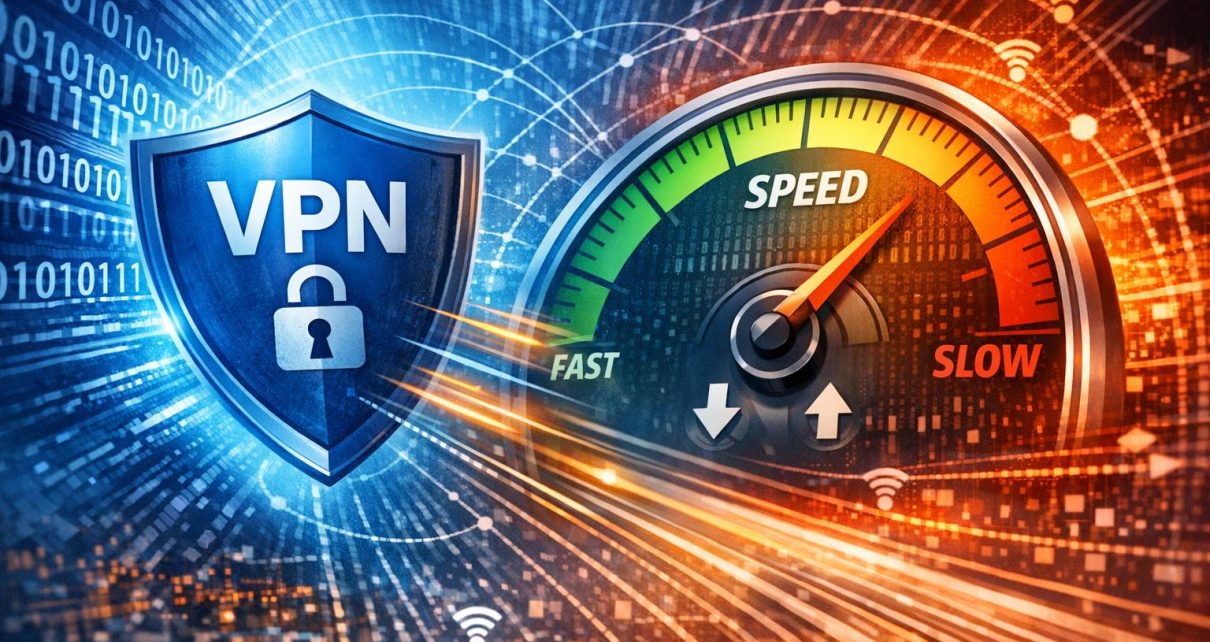
Virtual Private Networks, commonly known as VPNs, have become essential tools for many internet users seeking to secure their online activities, bypass regional restrictions, or ensure privacy. As VPN usage becomes more widespread across both personal and professional environments, understanding how these services influence internet speed is increasingly important. While VPNs offer clear advantages in terms of confidentiality and access, they introduce additional steps in data transmission that may affect performance. Evaluating these effects helps users determine how to balance security with usability.
How VPNs Work
A VPN functions by creating an encrypted tunnel between a user’s device and a remote server. Instead of sending data directly to a destination server, the data is first routed through this intermediary server. During this process, the data is encrypted using specific cryptographic protocols, making it unreadable to unauthorized parties. Once the data reaches the VPN server, it is decrypted and forwarded to the intended destination.
This rerouting process changes the apparent origin of the data, enhancing anonymity and allowing access to region-restricted content. However, the additional routing step and encryption process introduce overhead, which can influence both speed and latency. The degree of this impact varies depending on several technical and environmental factors.
Factors Affecting Speed
The impact of a VPN on internet speed is not uniform; it varies based on multiple interacting elements that determine how efficiently data can travel between a user and the destination server.
1. Distance to Server
The physical distance between the user and the VPN server plays a significant role in determining connection speed. Data transmitted over longer distances takes more time to travel, increasing latency. For example, connecting to a server on another continent introduces additional network hops, each contributing to delays. In contrast, selecting a nearby server typically results in faster response times and more stable connections.
Latency becomes particularly noticeable in real-time applications such as video conferencing or online gaming, where even small delays can affect performance. Therefore, proximity to the VPN server is a key consideration when optimizing speed.
2. Server Load
Server load refers to the number of users and the volume of traffic passing through a VPN server at any given time. When too many users connect to the same server, available bandwidth is divided among them, which can slow down individual connections. High server load may also lead to increased packet loss or inconsistent speeds.
Most VPN providers operate multiple servers across different regions to distribute traffic more evenly. Selecting a server with lower utilization can significantly improve performance, particularly during peak usage times. Some VPN applications automatically recommend optimized servers based on current load conditions.
3. VPN Protocol
Different VPN protocols determine how data is encrypted and transmitted. Each protocol offers a unique balance between speed, reliability, and security. Protocols such as OpenVPN are widely recognized for their strong security features, but they may involve more processing overhead, potentially reducing speed.
Newer protocols like WireGuard are designed with efficiency in mind, using streamlined code and modern cryptographic techniques to achieve faster speeds without compromising security standards. Other options, such as IKEv2/IPsec, provide stable connections, particularly on mobile devices, but may vary in performance depending on network conditions.
Choosing an appropriate protocol can significantly influence the user experience, especially when speed is a priority.
4. Encryption Level
Encryption is central to the functionality of a VPN, but it also requires computational resources. Higher levels of encryption involve more complex algorithms, which can slow down data processing, particularly on devices with limited processing power. While strong encryption enhances security, it may not always be necessary for all activities.
For routine browsing or streaming, moderate encryption levels can provide sufficient protection while maintaining better speeds. However, for sensitive data transfers, such as financial transactions or confidential communications, stronger encryption may be justified despite the performance trade-off.
5. Device Performance and Network Quality
The capabilities of the user’s device and the quality of the underlying internet connection also affect VPN performance. Older devices or those with limited processing capacity may struggle to handle encryption efficiently, resulting in slower speeds. Similarly, a weak or unstable internet connection will magnify any performance reductions caused by the VPN.
High-speed broadband connections tend to mitigate the relative impact of VPN usage, whereas slower connections may experience more noticeable degradation. Ensuring that the base connection is stable and sufficiently fast is essential for achieving acceptable performance with a VPN.
Mitigating Speed Loss
Although some reduction in speed is expected when using a VPN, users can take practical steps to minimize its impact and maintain efficient performance for everyday tasks.
Choose the Right Server
Selecting an appropriate server is one of the most effective ways to improve speed. Connecting to a server geographically closer to the user reduces latency and shortens the data path. Additionally, choosing servers with lower congestion helps ensure that sufficient bandwidth is available.
Many VPN services provide indicators such as server load percentages or latency measurements, allowing users to make informed choices. Testing multiple servers within the same region can help identify the best-performing option for a given situation.
Adjust Protocols and Settings
Experimenting with different protocols can lead to meaningful performance improvements. Switching to a faster protocol, such as WireGuard, often results in higher speeds, particularly for streaming or downloading large files. Adjusting encryption settings, when appropriate, can also reduce processing overhead.
Some VPN applications include features such as split tunneling, which allows users to route only specific traffic through the VPN while sending other data directly through the standard internet connection. This approach can reduce the overall load on the VPN and improve performance for non-sensitive tasks.
Maintain Updated Software
Keeping VPN software and device operating systems up to date ensures access to the latest performance improvements and security enhancements. Developers frequently optimize protocols and fix inefficiencies that may affect speed. Updated software can therefore contribute to both faster and more reliable connections.
Conclusion
While VPNs inherently introduce additional steps in data transmission that can affect internet speed, the extent of this impact depends on multiple variables, including server distance, load, protocol choice, and encryption level. By understanding these factors and making informed adjustments, users can significantly reduce performance drawbacks.
With appropriate configuration and server selection, it is possible to maintain a balance between security, privacy, and usable internet speeds. As VPN technology continues to evolve, improvements in protocol efficiency and infrastructure are likely to further minimize speed-related limitations.