
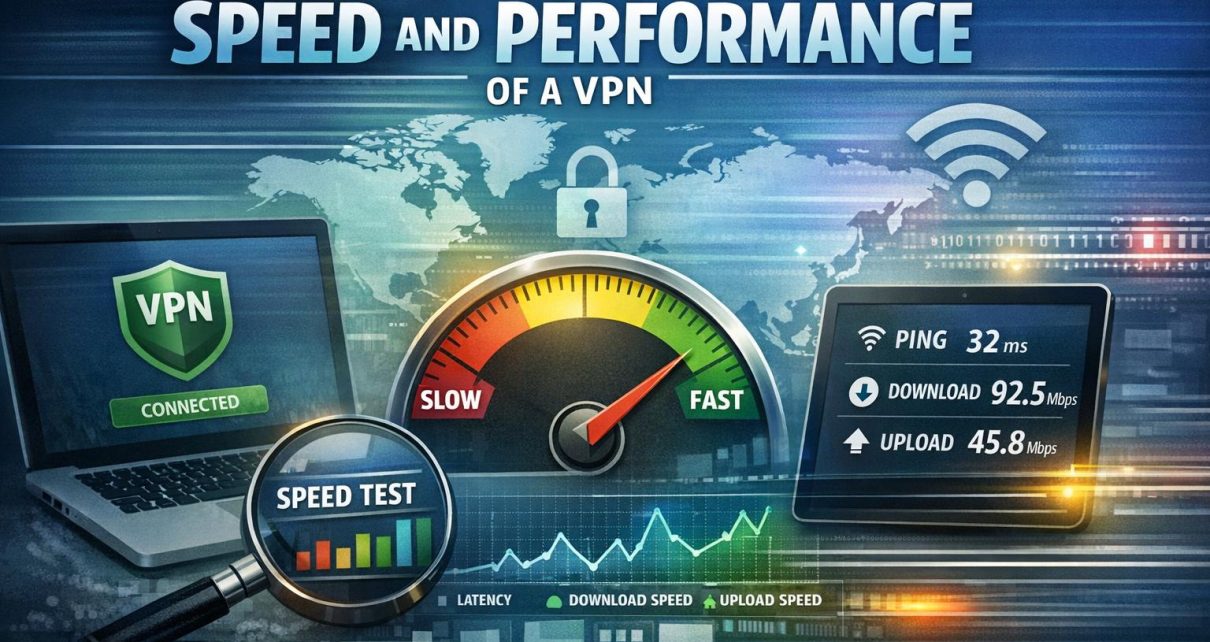
Understanding the Importance of VPN Speed and Performance Testing
Before diving into the specifics of testing VPN speed and performance, it is important to clarify why such testing matters in practical terms. A Virtual Private Network (VPN) is widely used to enhance privacy, secure internet traffic, and bypass geographic restrictions. While these benefits are significant, they often come with a trade-off in performance. If a VPN introduces noticeable slowdowns, interruptions, or instability, it can undermine its usefulness in everyday tasks such as streaming, browsing, or remote work.
Performance testing allows users to determine whether a VPN can maintain acceptable speeds while still delivering security. This is particularly relevant for users who rely on consistent connectivity for professional or high-bandwidth activities. Without testing, users may rely solely on advertised claims, which do not always reflect real-world conditions. By conducting systematic evaluations, users can verify whether a VPN meets their expectations across different scenarios.
Key Metrics for Evaluating VPN Performance
When assessing a VPN, focusing on specific performance indicators ensures a more accurate and meaningful evaluation. Each metric highlights a different aspect of how the VPN behaves under varying conditions, providing a broader understanding of its capabilities.
Download and Upload Speeds: These metrics represent how quickly data is transferred from and to a device. Download speed is particularly relevant for streaming, file downloads, and web browsing, while upload speed matters for tasks such as video conferencing, cloud backups, and file sharing. A VPN inevitably introduces some reduction in speed due to encryption and routing, but an efficient service minimizes this impact.
Latency: Latency, often measured in milliseconds, indicates the delay between sending a request and receiving a response. Lower latency is essential for real-time activities such as online gaming, voice calls, and live collaboration tools. High latency can result in lag, buffering, or delayed responses, even if overall speeds appear sufficient.
Server Load and Availability: VPN providers operate multiple servers across various regions. The performance of these servers depends on how many users are connected and how well the infrastructure is maintained. High server load can lead to slower speeds and inconsistent performance. Evaluating server availability and distribution helps determine whether the VPN can maintain reliability during peak usage periods.
Tools for Testing VPN Speed
To obtain accurate and repeatable results, users can rely on specialized tools designed to measure network performance. These tools simplify the testing process and provide quantifiable data for comparison.
Speedtest by Ookla: This tool is widely used for measuring both download and upload speeds, along with ping. It operates through a network of global servers, allowing users to test performance in different geographic regions. Its results are detailed enough to identify performance variations across locations and times.
Fast.com: Developed by Netflix, Fast.com focuses primarily on download speed, which is particularly relevant for streaming applications. It provides quick results with minimal configuration, making it useful for rapid assessments, although it offers less detailed metrics compared to other tools.
PingPlotter: This tool is designed for more in-depth analysis of network conditions. It tracks latency over time and helps identify issues such as packet loss or routing inefficiencies. For users experiencing inconsistent VPN performance, PingPlotter can reveal underlying causes that simpler tools may not detect.
Steps to Conduct a VPN Speed Test
A structured approach is necessary to ensure that VPN performance testing yields meaningful and comparable results. Random or inconsistent testing can produce misleading conclusions.
1. Choose a Benchmark: Start by testing the internet connection without the VPN. This baseline measurement establishes the maximum performance available under normal conditions. It is important to conduct this test multiple times to account for natural fluctuations in network speed.
2. Connect to the VPN: After establishing a baseline, connect to the VPN using a selected server. Choosing a nearby server typically reduces latency and provides a clearer view of the VPN’s inherent performance, rather than the effects of long-distance routing.
3. Run Multiple Tests: Perform speed tests at different times of day and across various servers. Network conditions can change based on traffic patterns, and testing under multiple conditions helps identify consistency. It is also useful to test both nearby and distant servers to understand geographic performance differences.
4. Analyze the Results: Compare the VPN-connected results with the baseline measurements. Pay attention to percentage decreases in speed, increases in latency, and any irregularities. Consistent performance across multiple tests is often more important than achieving peak speeds in isolated instances.
Factors Affecting VPN Speed
Several external and internal factors influence VPN performance, and understanding these variables helps interpret test results more accurately.
Server Location: The distance between the user and the VPN server has a direct impact on speed and latency. Data traveling over longer distances takes more time, which can result in slower performance. Selecting servers geographically closer to the user generally leads to better outcomes.
Encryption Protocols: VPNs use encryption to secure data, and different protocols offer varying levels of security and efficiency. Stronger encryption methods may require more processing power, which can reduce speed. Modern protocols are designed to balance security and performance, but the choice of protocol still affects overall results.
ISP Throttling: Internet Service Providers (ISPs) may intentionally slow down certain types of traffic, particularly during periods of high usage. VPNs can sometimes mitigate this by masking traffic types, but throttling can still influence baseline speeds and, by extension, VPN performance.
Device Performance: The hardware used for connecting to the VPN also plays a role. Older devices or those with limited processing power may struggle to handle encryption efficiently, resulting in reduced speeds. Testing across different devices can reveal whether performance issues are network-related or hardware-related.
Network Congestion: Local network conditions, such as multiple users sharing the same connection, can affect test results. Congestion can occur within a home network or at the ISP level, introducing variability that is not directly related to the VPN itself.
In summary, testing VPN speed and performance is a necessary step for understanding how a service operates under realistic conditions. By examining key metrics, using reliable tools, and accounting for external factors, users can form a clear and objective assessment. This process supports informed decision-making and helps ensure that a chosen VPN meets both security and performance expectations.